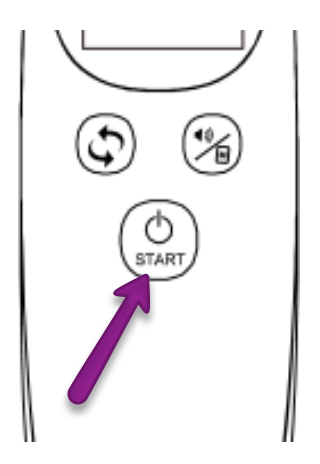
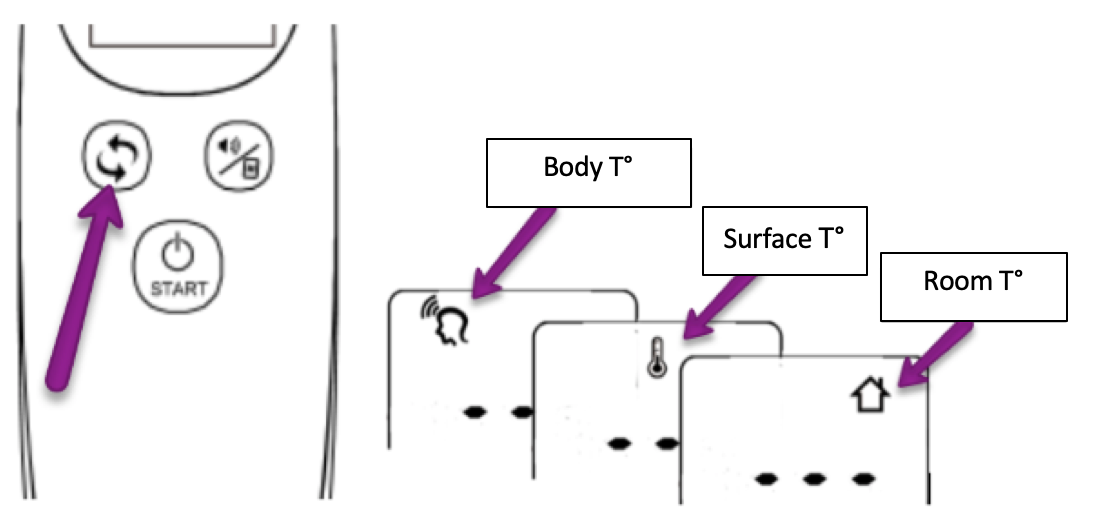
How to change mode? Sylvain 28 August 2019 13:24 Updated Follow Press the START button to turn on the device. Press the mode setting button to change the mode (body temperature, surface temperature, room temperature). Press START to confirm the chosen mode. Related articles How to change the measurement unit? Non-contact infrared thermometer - Start by iHealth THf (MDI901) User manual User manual How to measure forehead temperature? Comments 0 comments Please sign in to leave a comment.

Comments
0 comments
Please sign in to leave a comment.